

No-Code Agent Builders Need Promotion Gates
By wGrow Project Team ·
The Illusion of the Publish Button
In several no-code agent tools, the default authoring flow makes a personal edit and a shared-agent deployment feel like the same action: edit, save, publish. As of August 2026, the public Rovo Studio and Notion Agents documentation describes authoring and publishing controls but does not document a native dev/test/production promotion pipeline; Copilot Studio, by contrast, can be governed through Power Platform Application Lifecycle Management (ALM), with separate environments and Managed Solutions, which we cover below. Copilot Studio can be governed properly through Power Platform Application Lifecycle Management, which we’ll get to, but its basic authoring surface trains the same habit: publish reads as a content action, not a release event, unless someone has deliberately wired in the ALM path.
That’s the actual problem. We’ve let business users deploy non-deterministic microservices with the release discipline of a Word document.
A workflow author who edits a system prompt thinks they’re editing a wiki page — fix a typo, clarify an instruction, hit save, move on. But a system prompt is executable logic. It changes what a model retrieves, how it reasons over that retrieval, and what tools it decides to call. Edit it in a shared agent and every downstream user gets the new behaviour immediately, with zero regression testing against whatever edge cases the old prompt happened to handle correctly by accident.
Many no-code agent setups run this way by default: one workspace, no staging, no diff review, no rollback button a non-engineer could find even if they knew to look. Unless the platform owner deliberately configures separate environments, review, and rollback — the ALM path we cover below for Copilot Studio — the maker’s save action is the production deployment path. The author’s mental model is “I improved this.” The platform’s actual behaviour, absent that deliberate setup, is “I redeployed this to production, live, with no canary.”
The 2014 Statutory Board Rules Engine Warning
We’ve seen this failure mode before. Just without the LLM.
Back in 2014 we built a rules engine for a statutory board to automate eligibility checks for a public scheme. Policy officers, not engineers, needed to update the business rules whenever policy changed, so we gave them direct access to edit rules in the live environment. It felt efficient at the time — no engineering bottleneck sitting between a policy change and system behaviour.
It broke within months. A policy officer pushed a malformed rule update — a nested conditional that never resolved to a terminal outcome — and it sailed straight through, because there were no gates to catch it. The processing queue for that scheme locked up completely. We pulled live rule access for the entire team that day, retrofitted a staging environment we should have built from the start, and enforced a formal promotion gate: draft the rule, test it against a fixed set of historical cases, get sign-off, then push.
The retrofit cost more than building it correctly the first time would have. That’s the tax you pay for treating a rules engine like a content management system.
No-code AI agents are rules engines with a probabilistic core instead of a deterministic one. The deployment failure mode is identical: unreviewed logic change, immediate blast radius, no staging gate. The difference in 2026 is that the malformed output isn’t a stuck queue — it’s a hallucinated answer or a wrongly invoked tool. And it’s harder to catch, because the system doesn’t crash. It just quietly says something wrong.
Decoupling the Maker from the Production Owner

We ran into this gap directly during our internal rollout of an HR agent at wGrow, built to answer staff questions on leave policy, claims, and onboarding steps by retrieving from our internal policy documents.
The HR team wanted to keep tweaking it. Every time a staff member got an awkward answer, HR wanted to adjust the tone or retrieval scope that same afternoon — a reasonable instinct, and exactly the kind of instinct that broke the statutory board’s rules engine in 2014 if left unchecked. HR policy authors are domain experts, not release engineers. Fast iteration and bad governance are the same behaviour wearing different clothes.
So we separated two roles that no-code platforms tend to collapse into one: maker and production owner. HR staff — the makers — iterate freely in an isolated sandbox connected only to a copy of the policy documents, never the live index. They can break things there all day and nobody notices. When they want a change live, someone from the platform team — the production owner — reviews the actual prompt diff and any change to the RAG source documents before it goes anywhere near the production agent.
This isn’t bureaucracy for its own sake. It’s what stops a well-meaning tone tweak from quietly misinterpreting parental leave eligibility for the entire staff — the kind of error a maker will never catch, because they wrote the change and, to them, it reads fine.
Defining the Four Rigid Agent States
Once you accept that an agent needs release discipline, the states have to be explicit. Not vibes.
Draft. Isolated. Only the maker can trigger it. It connects strictly to non-production data — sandbox documents, test records, dummy tool endpoints — so there’s no path from here into a real workflow.
Pilot. Blast radius limited by a static whitelist of named testers, not self-serve opt-in. Logs get actively monitored — not spot-checked — for hallucination patterns and tool-use failures during this window. Pilot has a defined end date. Not an indefinite soft launch that quietly becomes production by neglect.
Production. Live and locked. Configuration is immutable outside a formal promotion request. Every change, however small, ships with a plain-text version note a business user can actually read — “Updated leave policy retrieval to reflect Q3 changes,” not a raw diff of a 900-token system prompt nobody but the author will parse.
Retire. A hard deprecation path, not a quiet deletion. Tool execution gets disabled first. Data connections are archived, not just unlinked. The agent returns a standard offline response instead of silently vanishing from a workspace — which is exactly how you end up with abandoned agents still holding live API keys nobody remembers granting.
Technical Execution of Promotion Gates
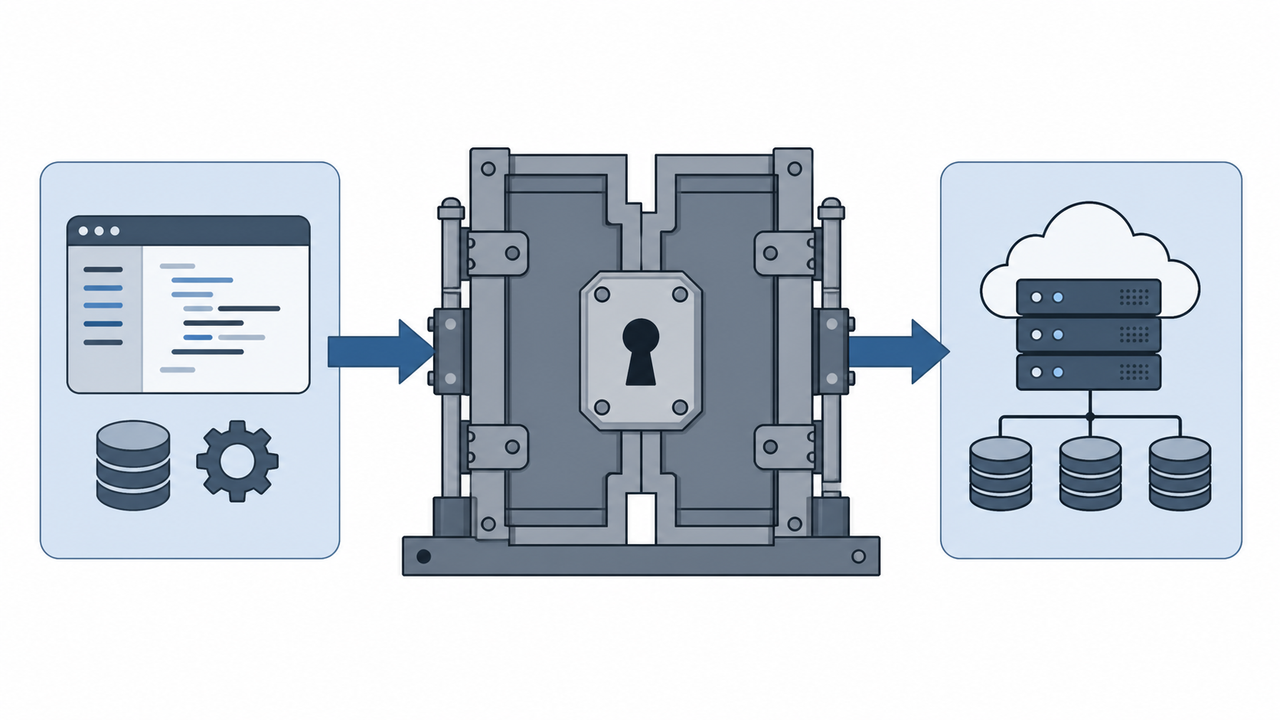
Procedural policy without technical enforcement is a memo nobody reads. Here’s how to actually build the gate on the platforms named above.
For Copilot Studio, skip the default environment entirely. Microsoft’s own Power Platform ALM guidance lays out the pattern: build the agent in a dedicated Developer environment, package it as an Unmanaged Solution, then promote it through separate Test and Production environments as a Managed Solution — typically via service-principal-driven export/import inside a CI/CD pipeline such as Azure DevOps. Managed Solutions give you the ALM boundary — import them and their components lock against direct edits — but production immutability still depends on environment permissions, managed properties, and a policy that blocks unmanaged customisations from landing in that environment. The Managed Solution import is what makes “immutable without a formal promotion request” enforceable; the permissions and properties are what make it actually hold.
If your Notion or Rovo Studio tenant has no native staged release pipeline available, enforce the gate organisationally through strict workspace separation. Makers build in an unlocked Draft workspace they fully control. Platform owners manually clone the system instructions, prompts, and tool configurations into a locked Production workspace, either via API or admin-only UI access that makers simply don’t have. It’s manual work, and right now it’s the only version of this that actually holds on those platforms.
Whichever platform you use, keep the exact JSON definition of every prior version in a Git repository. When an updated instruction degrades output quality — and eventually one will — you need to revert to a known-good version in minutes, not reconstruct it from someone’s fuzzy memory of what the prompt used to say.
Where This Goes
No-code agent platforms will eventually ship proper release management natively: environment separation, diff review, canary rollout, audit trails. Vendors are already moving that direction — Power Platform ALM is the clearest early example. Until Rovo, Notion, and the rest catch up, that infrastructure doesn’t exist for free. IT managers have to build the promotion gate themselves, by hand, the same way we retrofitted one onto a rules engine in 2014 after it broke a production queue. The lesson from that incident was never “give business users less access.” It was: never let draft, pilot, and production collapse into the same button. Every shared agent your organisation deploys is now a microservice. Govern it like one.